Print labels in the order you walk the racks
Sheet G-106 · from the in-app Guide · updated 2026-10-17
The short version
- By rack: tick racks or a whole zone and every label comes out in the order you walk the racks.
- Fiber: a sheet per spool, the From end on top and the To end below, a flag for every strand.
- Panel ports and 1:1 panel strips label the patch panels themselves.
- Only new or changed reprints just what moved since the last print.
01By rack, in walking order
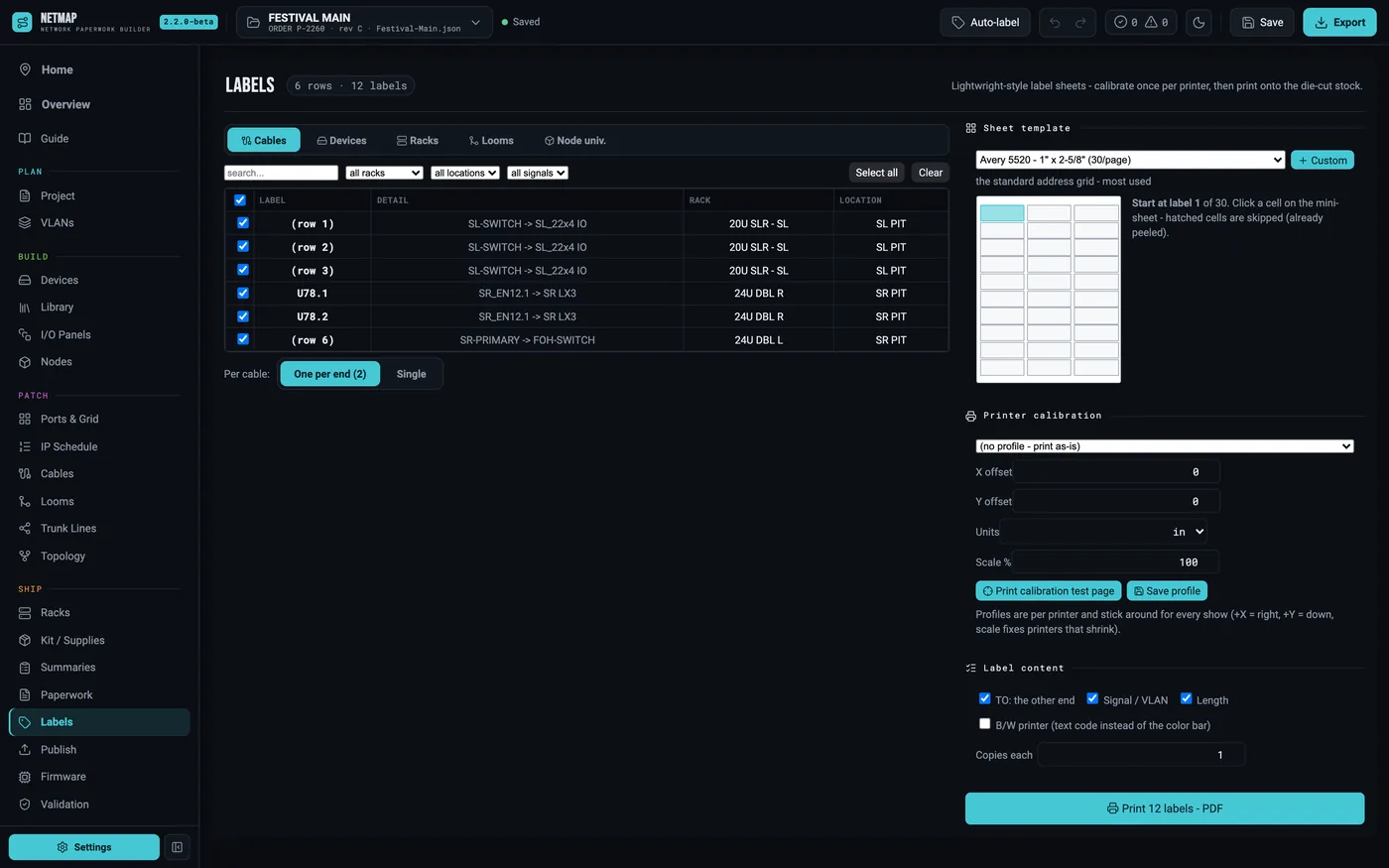
Pick By rack, tick racks or a whole zone, and the labels come out rack after rack: the rack label, then its gear from the top down. Each rack starts under a header strip naming it, a rack never splits over two sheets, and each sheet's margin says which racks it holds. Rack labels print in their zone's colour.
02Fiber, a sheet per spool
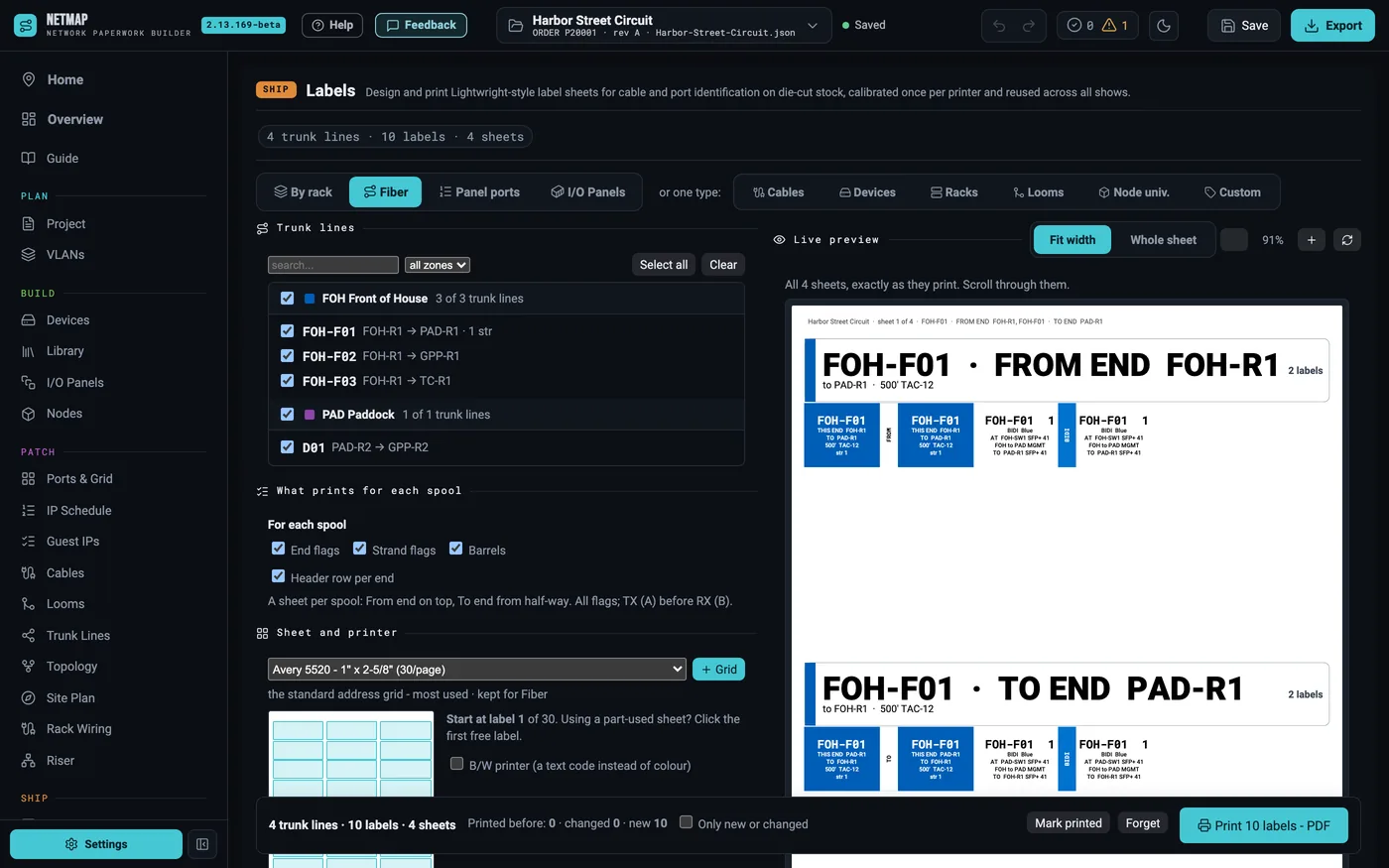
Pick Fiber and every spool gets its own sheet: the From end on the top half, the To end below. There is a flag for every strand in use, carrying its TIA colour, TX or RX, where it lands and where it goes. End flags print in the zone colour; barrels print solid black, marked DO NOT PATCH.
03The panels themselves
Panel ports prints a label for every fiber patch-panel port naming the strand expected there — TX = A, RX = B on every panel. The I/O panel engine prints cut-out strips at true physical scale, at the real connector pitch: VLAN-coloured cells, one strip per row or a cluster, and duplex ST panels laid out in pairs with a bracket over each pair in the colour of the zone it runs to.
04Only what changed
netmap remembers what you printed. Tick Only new or changed and everything already printed is left out unless it changed since — a re-rack costs a handful of labels, not the whole sheet set.
05Your printer lies; netmap measures it
Die-cut stock from Avery and the OnlineLabels catalog, or a custom grid. Print the calibration test page once per printer, measure the miss, save the profile. A QR code on a label opens that item on the show's crew page.
06netmap labels, in the browser
labels.uplink.show makes labels from any show paperwork: breakers, Soca ports, distros, fixtures, cases. With a netmap account, Make labels in netmap labels in the Labels tab hands the open show over with its colours and logo, and the layouts print on the same die-cut stock.
Labels are included on every tier, no add-on